

Learn the latest Check BSNL Data Balance with using BSNL USSD codes to check data balance, validity, SMS balance, and main balance. Step-by-step guide with SMS method, BSNL app, and online Selfcare portal
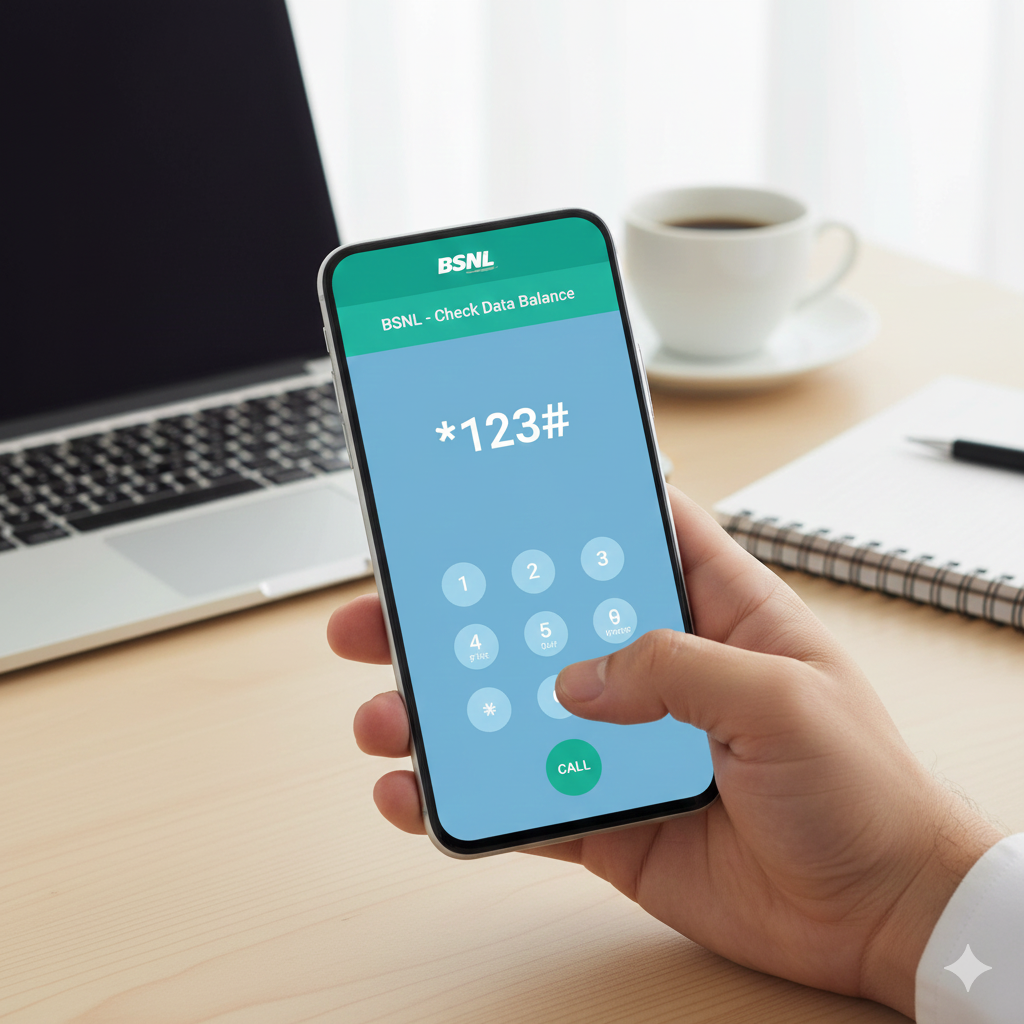

1. Check BSNL Data Balance Using USSD Codes
BSNL offers simple USSD codes that work on feature phones and smartphones without requiring an internet connection.
✔ USSD Codes to Check BSNL Data Balance
| Purpose | USSD Code |
|---|---|
| Check BSNL Data Balance | *123*10# |
| Alternate Data Balance Check | *123*6# |
| BSNL Main Balance | *123# |
| BSNL Net Balance (another option) | *124*2# |
How to use:
-
Open your phone’s dialer
-
Dial any of the codes above
-
Press the call button
-
Your data balance will appear on the screen
2. Check BSNL Data Balance via SMS
If the USSD code doesn’t work on your SIM, you can try SMS.
SMS Method
Send: BAL
You will receive an SMS containing your data, SMS, and talktime details.
3. Check BSNL Data Balance Using BSNL App
The BSNL app provides detailed information about:
-
Data usage
-
Validity
-
Recharge plans
-
Active packs
Steps:
-
Download BSNL Selfcare or My BSNL app
-
Login with your BSNL number
-
Check Usage or Dashboard for real-time data balance
4. Check BSNL Data Balance Online (Selfcare Portal)
You can also check your balance online:
-
Visit BSNL Selfcare Portal
-
Sign in or create an account
-
Go to Account → Usage Details
-
View your current data balance and validity
5. Common Issues & Solutions
| Issue | Solution |
|---|---|
| USSD Code Not Working | Try *124*2# or reboot your phone |
| Wrong SIM Slot | Ensure BSNL SIM is in Slot 1 for 4G data |
| No Response from Server | Try again after 1–2 minutes |
| SMS Delay | Network congestion; use the BSNL app instead |
FAQs
1. What is the main BSNL USSD code for data balance?
The primary code is *123*10#.
2. How do I check BSNL main balance?
Dial *123#.
3. Do USSD codes work without internet?
Yes, USSD codes work offline on all phones.
4. What if none of the USSD codes work?
Use the My BSNL App or send BAL to 121.
Pingback: BSNL का ₹1 रीचार्ज पैक अब भी है उपलब्ध, जानें इसके फायदे और क्यों है यह इतना लोकप्रिय - Smart View Point