
Wondering if your LPG cylinder refund has been credited? Learn how to check the refund status and identify which account received the money.
Most people get the gas cylinder but don’t keep track of whether the subsidy has arrived or is stuck. This is why sometimes the money arrives and they don’t even realise it.
How to Check If Your LPG Cylinder Refund Has Been Credited
Here’s a step-by-step process to verify your LPG refund:
1. Check Your Bank Account
The simplest way is to log into your bank’s net banking or mobile app. Look for transactions around the date your refund was supposed to be credited. If you have multiple accounts linked to your LPG booking, check each one carefully.
Tip: Use the search feature in your bank app with keywords like “LPG,” “refund,” or the transaction reference number for faster results.
2. Check the LPG Provider’s Portal
Most LPG providers such as Indane, Bharat Gas, and HP Gas have dedicated portals or mobile apps for tracking bookings and refunds.
- Log in to your account.
- Navigate to “My Transactions” or “Refund Status”.
- Check for any pending or processed refunds.
3. Check SMS and Email Notifications
Many LPG companies send SMS or email notifications when a refund is processed. Look for messages that mention refund confirmation or transaction reference numbers.
4. Contact Customer Care
If you don’t see the refund in your account after the expected period, reach out to the customer care of your LPG provider. Keep your booking ID, transaction reference, and bank account details handy for faster resolution.
Customer care contacts:
- Indane: 1800-2333-555
- Bharat Gas: 1800-266-7777
- HP Gas: 1800-180-7777
Another Easy way to check it yourself
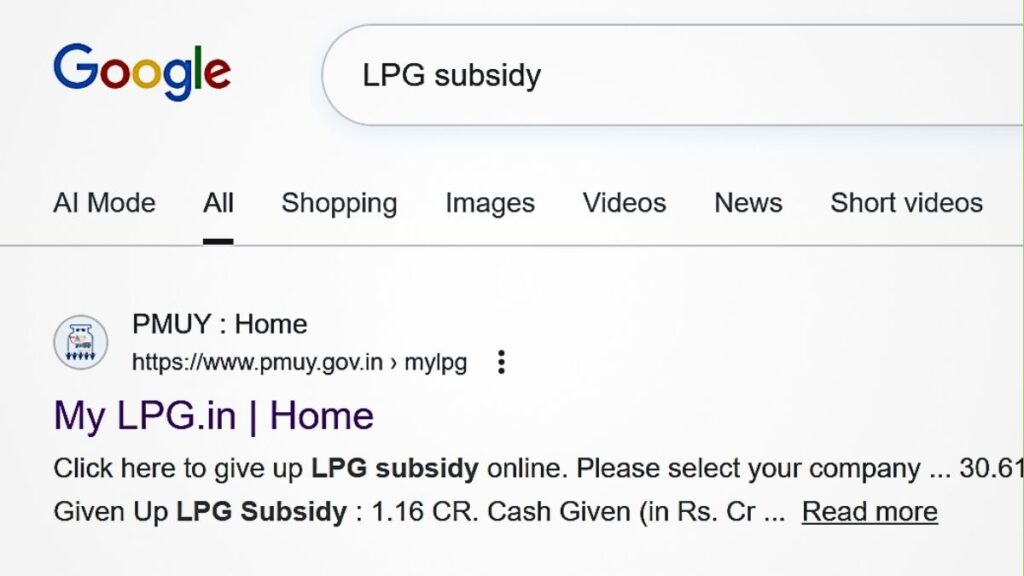
- Now understand the easy way to check it yourself:
- Open Google on your mobile.
- Type “LPG subsidy” in the search bar.
- Open the official website that appears at the top.
- Click HERE Ofiicial Website: PMUY Website
2. Choose your gas company
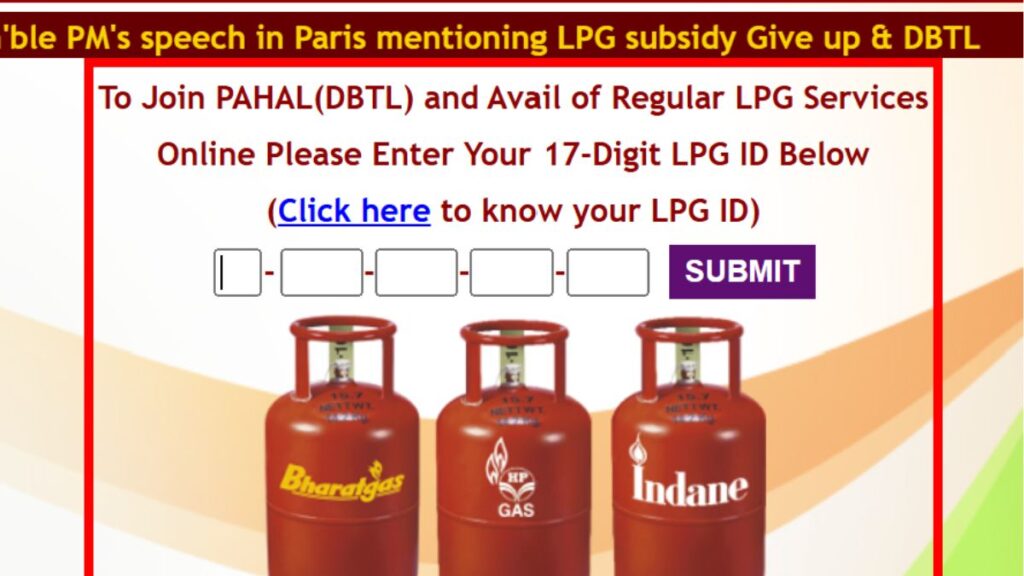
- Now choose your gas company:
- Indane, Bharat Gas, or HP
- Whichever company your connection is with.
- After that, go to New User or Consumer Login and enter your consumer number.
- Now tap on the three lines at the top.
- And open View Cylinder Booking History.
3. Complete record
- Here you will see the complete record:
- On which date the cylinder was booked
- How much payment you made
- How much subsidy you received
- And to which bank account it was transferred.
4. Keep one more important thing in mind here:
- In the account details, you will see the last 4 digits of your bank account.
- And you will also see which bank your subsidy is linked to through NPCI.
- This is how you can find out whether the money is going to the correct account or not.
Simply put, the subsidy doesn’t automatically make sense.
But once you know this method, no money will disappear without your knowledge.
Common Reasons for Delayed Refunds
Even after following the steps above, some refunds may take time. Here’s why:
- Bank Processing Time: Refunds can take 3–7 business days depending on the bank.
- Incorrect Account Details: Refunds may be delayed if the account number or IFSC code provided is wrong.
- Technical Glitches: Sometimes, system errors on the LPG portal can delay processing.
Conclusion
Checking your LPG cylinder refund doesn’t have to be complicated. By following these steps—monitoring your bank account, tracking through the LPG portal, and contacting customer care—you can ensure that your refund reaches the correct account safely. Remember, timely action and keeping all relevant details handy can save you unnecessary stress.
Tell us in the comments whether you already knew this information or if you will now check it yourself after every booking?
Disclaimer
This information is for general LPG consumer awareness. Website options may change over time. For the latest details, please check the official LPG website.